If you think your browser is just a tool for opening websites, think again. Google Chrome just rolled out a massive AI-powered update, and these changes aren’t small tweaks. They could completely transform the way billions of people use the web every single day.
In the last 24 hours, I’ve been digging into what this update really means, why Google is betting so big on AI, and how it could impact you, me, and nearly 3 billion Chrome users worldwide. Let’s break it down.
A New Era of Browsing: Why Chrome’s AI Leap Matters
Think back, when was the last time your browser truly surprised you? For years, Chrome updates mostly meant speed improvements, stronger security, or technical fixes. Useful, sure, but nothing life-changing.
This time, it’s different. With Google’s Gemini AI model built directly into Chrome, we’re talking about a browser that doesn’t just display the web and it helps you understand it, find things faster, and actually use it better.
Sounds futuristic? That’s because it is. Imagine if your browser acted less like a window and more like a personal assistant. That’s exactly where Google is heading.
The Gemini Button: Your Browser Just Got a Brain
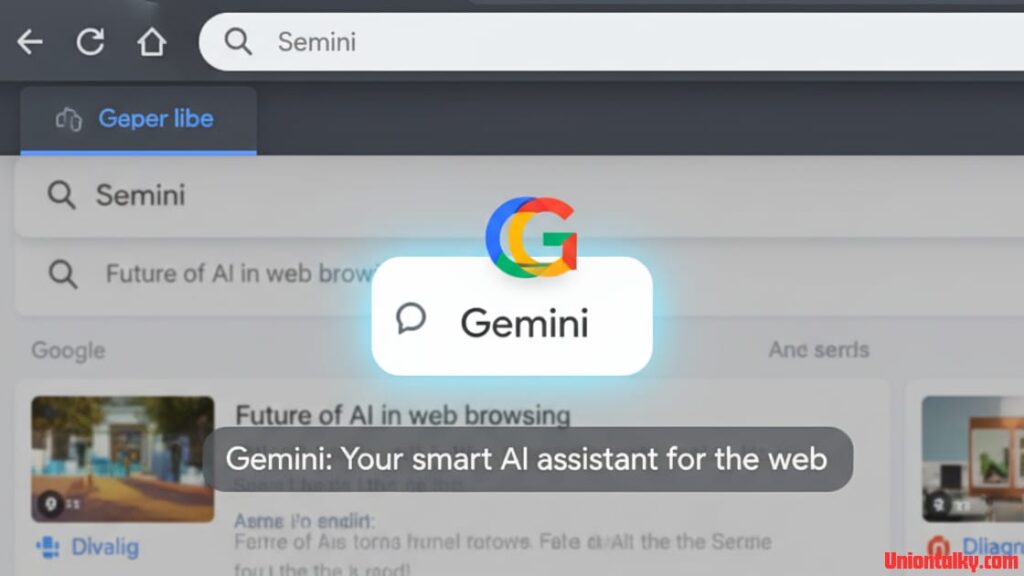
The most noticeable change is the brand-new Gemini button in Chrome. One click, and suddenly your browser transforms into a smart AI assistant.
Struggling to get through a long article? Gemini gives you a quick summary.
Planning a trip across multiple tabs? Gemini pulls flights, hotels, and blogs into one clean itinerary.
Forgot the name of a blog you read last week? Gemini finds it in your browsing history.
It’s like having a super-smart librarian who remembers everything, without judgement.
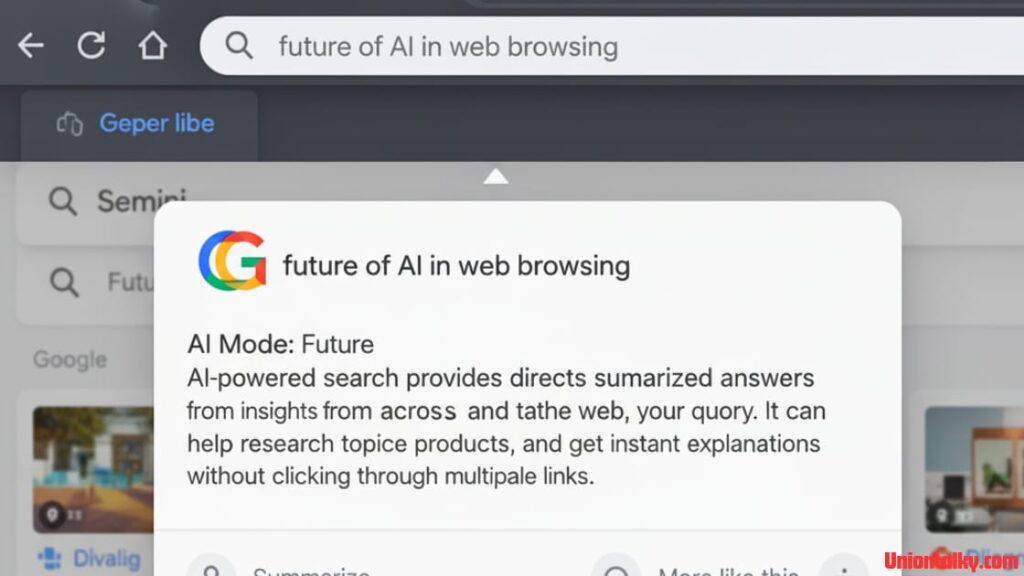
AI Mode in the Omnibox: Search Gets Smarter
We’ve all been there typing half-formed queries into Google and hoping the right results pop up. Those days might be ending.
Now, with AI Mode built into Chrome’s address bar, things change dramatically:
You can type full, natural questions.
LETEST POST – Google Stock 2015 vs 2025: Could $10K Have Made You a Millionaire?
Chrome doesn’t just show links and it gives AI-powered answers.
You can ask follow-up questions, almost like chatting with a friend.
Example: Instead of typing “best running shoes for flat feet reviews 2025”, you could write, “I run 15 miles a week, and my feet hurt. Which shoes are best for me?” Gemini responds with a personalised answer.
This isn’t just search. This is the future of search.
Real-Life Example: The Busy Parent
Picture this, you’re a working parent in Texas, juggling your job, kids’ school schedules, and family life.
You open Chrome to:
Find a quick dinner recipe.
Compare after-school programmes.
Order a birthday gift.
Do some family shopping.
Before, this meant a mess of 15–20 open tabs. Now, Gemini-powered tab organisation does the work for you. It groups tabs by theme, summarises the key info, and even helps with checkout on shopping sites.
Suddenly, your browser feels less like chaos and more like a helpful assistant.
Online Security: Your Digital Bodyguard
Cybercrime is no joke. In 2024 alone, Americans lost over $12.5 billion to online scams. Scammers are only getting smarter.
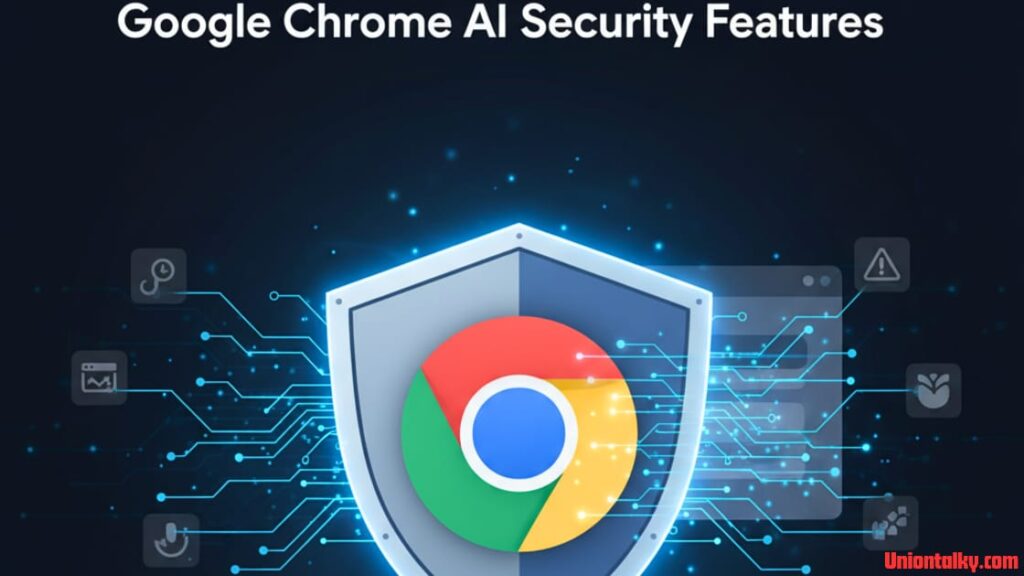
Google’s answer? Building Gemini Nano AI right into Chrome’s Safe Browsing system.
Now Chrome’s AI can:
Spot fake “tech support” scams.
Block dangerous websites before they load.
Stop annoying notification requests.
Help you reset passwords in one click (on supported sites like Spotify and Duolingo).
For the average user, this isn’t just convenience, it’s peace of mind.
The Big Question: AI vs. Trust
Here’s where things get interesting. While Chrome goes all-in on AI, other browsers are taking different paths.
Vivaldi brands itself as “anti-AI”, focusing only on security and user control.
Firefox is experimenting with chatbot integrations.
So the question is: do we really want AI managing our browsing lives?
For some, the idea of Google’s AI reading their history feels scary. For others, it feels like a blessing. The line between useful and creepy is razor-thin. Google will have to prove it can handle this responsibly.
Fun Imagination: Gemini as Your Digital Butler
Now picture this, telling your browser to:
“Book me a haircut for Friday at 4 PM.”
“Order my usual lunch.”
“Find me a hiking trail within two hours of Chicago.”
“Recommend the best restaurant nearby.”
Google says these agentic capabilities are coming soon. In plain English: your browser won’t just answer questions, it will take actions on your behalf.
Not sci-fi anymore. This is Google trying to turn Chrome into your personal butler. (For Batman fans: “Yes, Master Wayne, I booked your flight and polished the Batarang.”)
Expert Opinions: Convenience vs. Control
Tech analysts are already weighing in. Some say this is the natural evolution of the internet—from static search to interactive assistance. Others worry it gives Big Tech even more control over our digital lives.
That’s the real question: if billions use Chrome as their default AI browser, whose interests does it serve—yours or Google’s?
Rollout Timeline: You Won’t Get Everything at Once
Here’s the catch, not all features are coming immediately.
Some, like AI Mode in search, will arrive by the end of September.
READ MORE – iOS 26 Update: New Features, Pros & Cons, and Should You Upgrade?
Others, like agentic actions, won’t show up for months.
So your friend in California might get the update first, while you in Ohio are left waiting. Patience is key.
My Honest Take: The Good, the Bad, and the Exciting
After reviewing everything, here’s what I think:
The Good
Chrome finally feels new again.
Security upgrades are a huge win.
Tab organisation could save a tonne of time.
The Bad
Privacy concerns are real, AI reading your history isn’t for everyone.
One-click password resets won’t work everywhere (yet).
The rollout is slow and uneven.
The Exciting
A browser that actually does tasks for you could be revolutionary.
Done right, it could save us hours every week.
Final Thoughts: The Browser Is Becoming the Operating System
Step back for a second. Ten years ago, browsers were just doors to the web. Now, with AI, Chrome is breaking those boundaries, becoming a mix of browser, assistant, and operating system.
This isn’t just about new features. It’s about redefining what a browser even is.
For better or worse, the way we search, shop, work, and stay safe online may soon live inside just a few buttons.
So the next time you see that Gemini icon in Chrome, remember your browser isn’t just watching anymore. It’s thinking. And it wants to help you.